How to set up the anti-theft alert to be notified of suspicious movement while the vehicle is parked
This article explains the anti-theft alert of the GPS Tracker Pro Max. If you have any other questions about your tracker, we invite you to click here. If your search concerns other products, we invite you to visit the Help Center.
What is the anti-theft alert?
The GPS Tracker Pro Max lets you be alerted in case of suspicious movement on your vehicle while it is parked.
If the tracker detects movement after a period of immobility of more than 5 minutes, you will receive a push notification from the Invoxia GPS app.
In addition, if the tracker has detected that your vehicle has likely tipped over, you will be alerted of a change in tilt.
The anti-theft alert lets you be notified in real time of a possible theft.
How to activate it? You will be prompted to activate this feature when setting up your GPS Tracker Pro Max. No worries if you did not enable it during setup, you can always do so later.
- Open your Invoxia GPS app and go to the settings of the relevant tracker while having Bluetooth enabled and the GPS Tracker Pro Max within Bluetooth range.
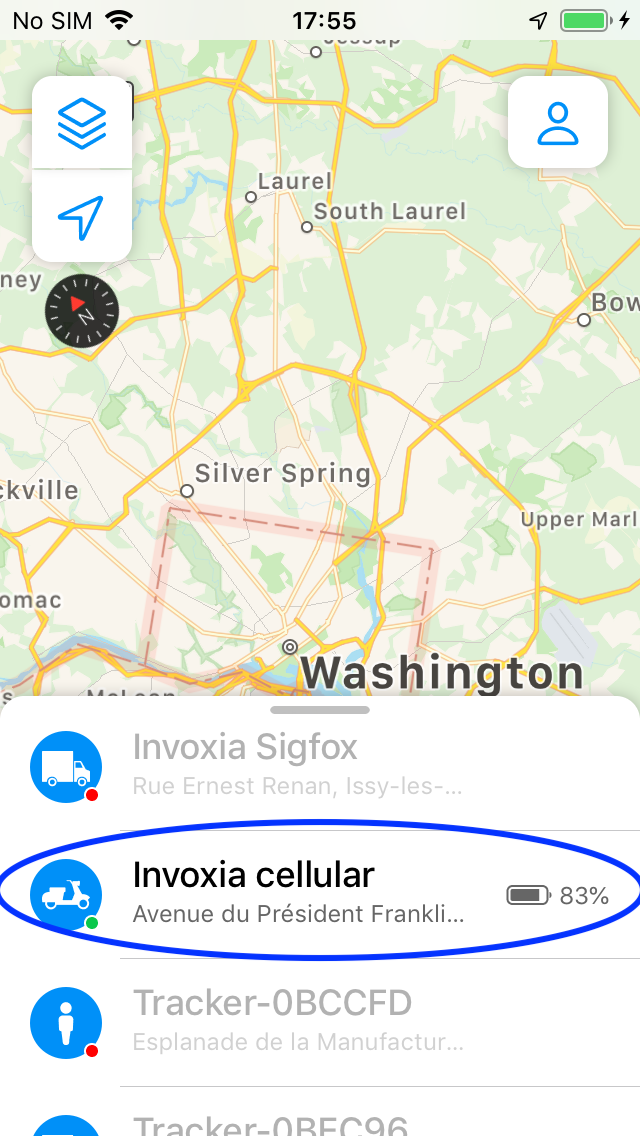
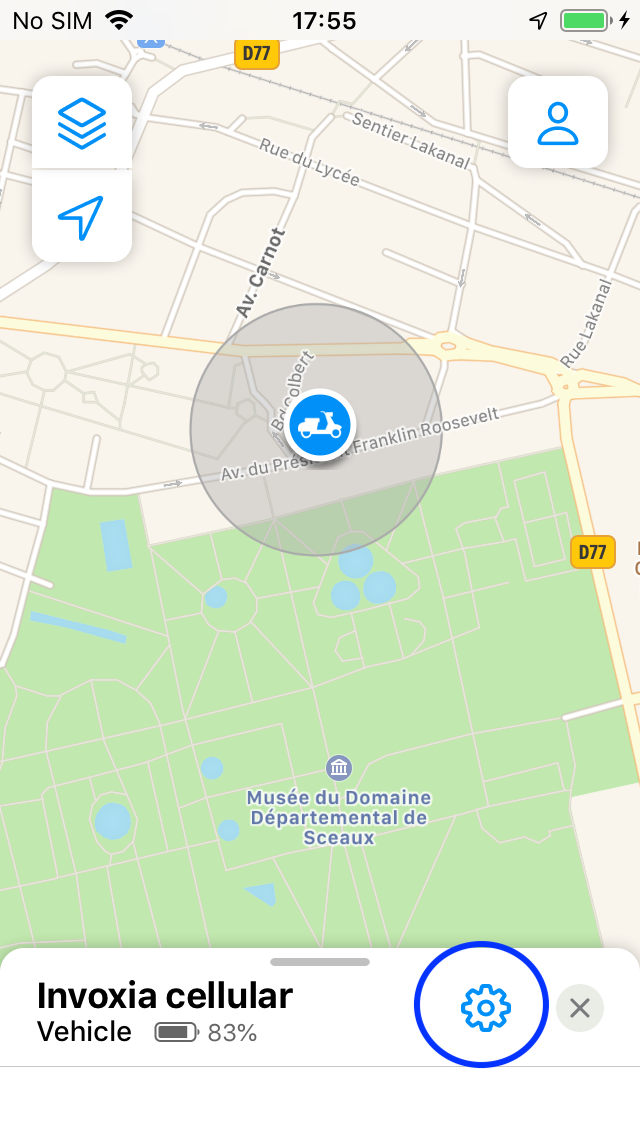
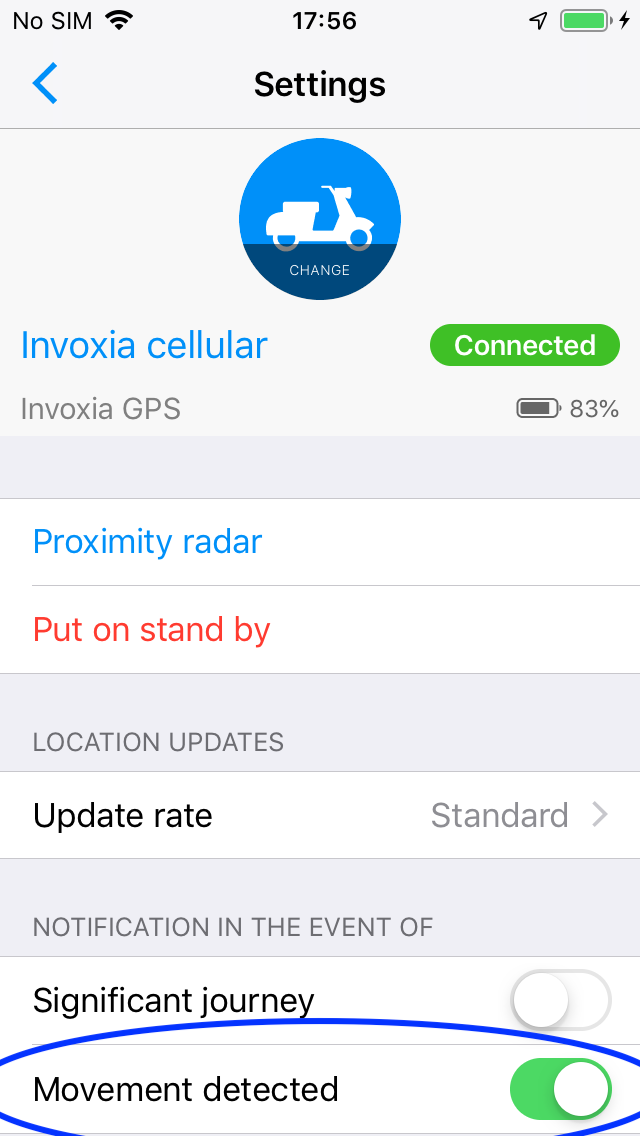
- Wait a few moments until the settings appear.
Enable or disable the anti-theft alert by checking or unchecking the "movement detected" option.
What is the anti-theft alert?
The GPS Tracker Pro Max lets you be alerted in case of suspicious movement on your vehicle while it is parked.
If the tracker detects movement after a period of immobility of more than 5 minutes, you will receive a push notification from the Invoxia GPS app.
In addition, if the tracker has detected that your vehicle has likely tipped over, you will be alerted of a change in tilt.
The anti-theft alert lets you be notified in real time of a possible theft.
How to activate it? You will be prompted for this feature a first time when setting up your GPS Tracker Pro Max. No worries, if you did not enable it during setup, you can always do so later.
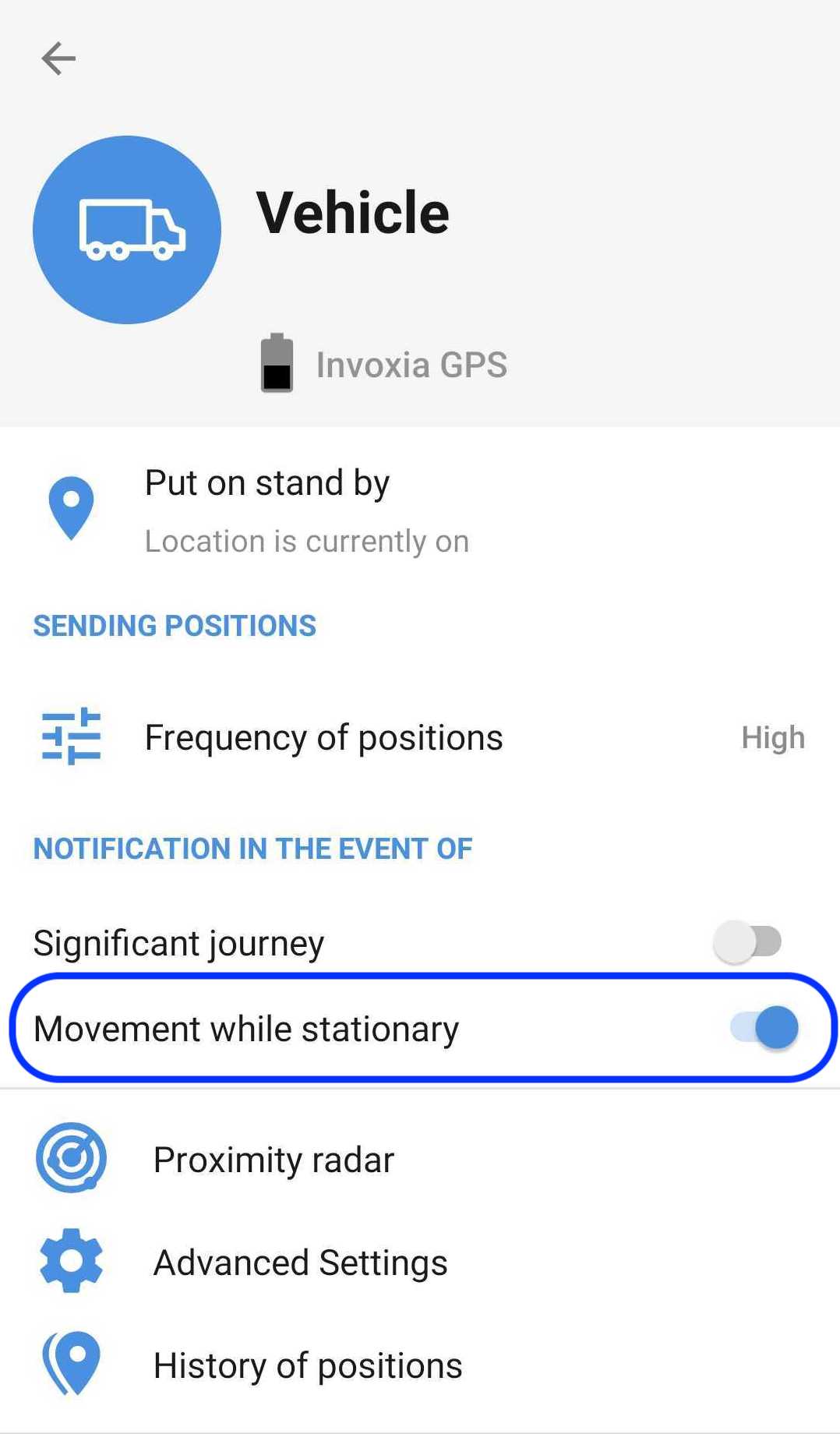
- Open your Invoxia GPS app and go to the settings of the relevant tracker while having Bluetooth enabled and the GPS Tracker Pro Max within Bluetooth range.
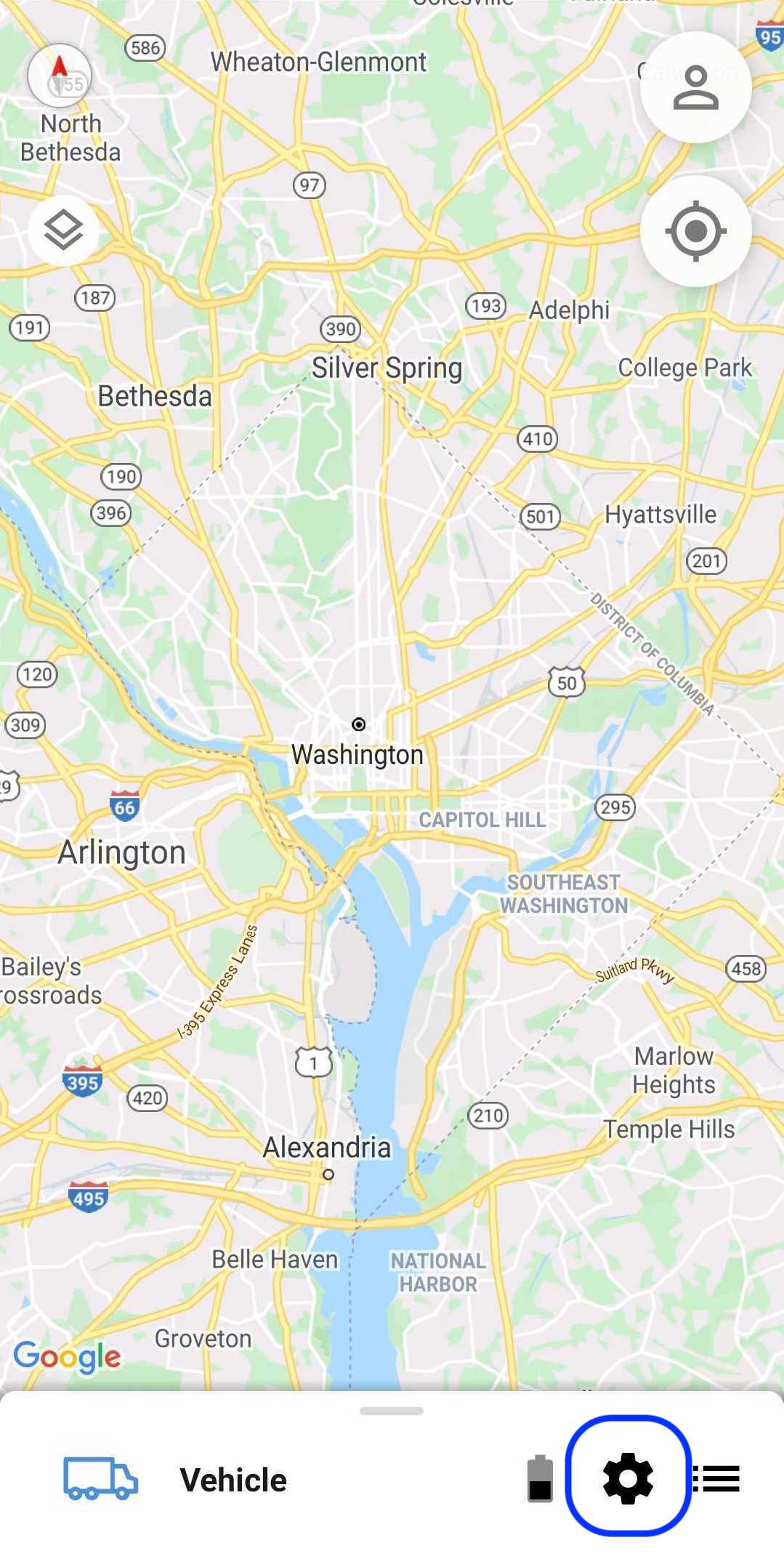
- Wait a few moments until the settings appear. Enable or disable the anti-theft alert by checking or unchecking the "movement when parked" option.