
If you are an Android user, please read this article.
If you're using iOS, this problem might occur after a factory reset.
If Triby won't connect to your smartphone via Bluetooth, please follow this step to step guide:
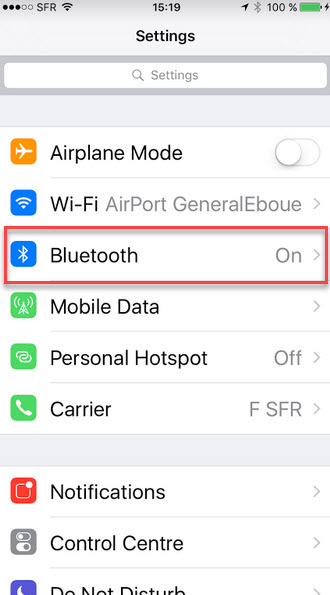
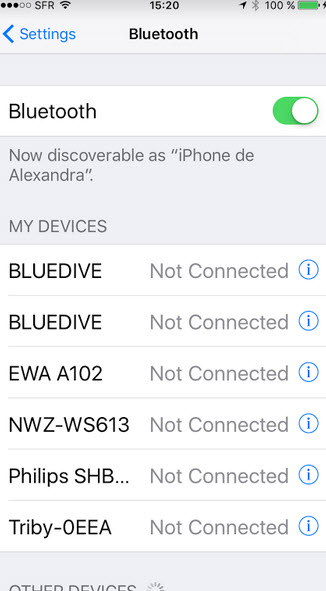
- Go to Settings > Bluetooth.
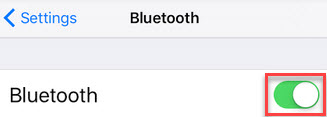
- Make sure Bluetooth is enabled. The list button must be in green and not in grey.
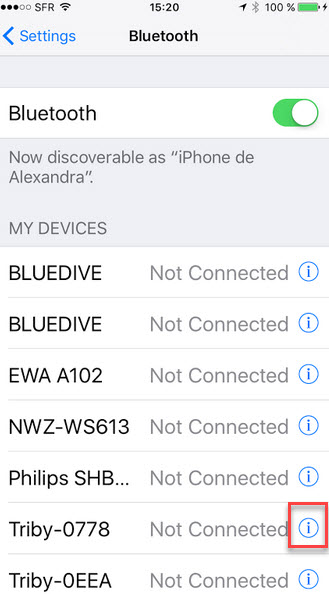
- Find Triby in the list and press the icon
 .
.
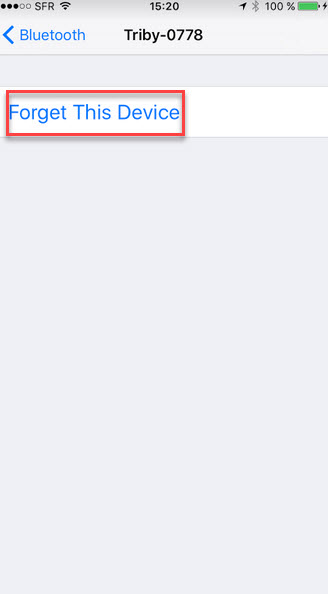
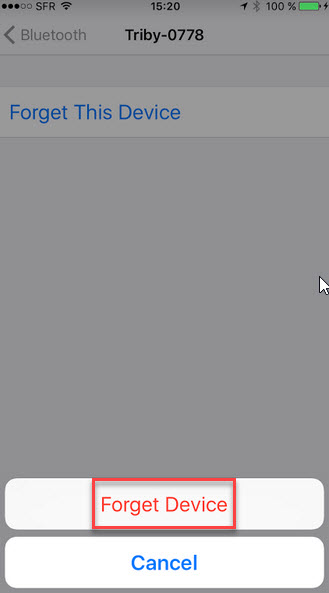
- Click on "Forget This Device".
- Confirm that action by clicking on "Forget Device".
- You will get back to the first menu showing that Triby-0778 has disappeared.
To pair (again) Triby and your smartphone by Bluetooth please read this article.